Landing page module
In this tutorial, we provide you with an example module for creating and managing a landing page using the Custom Field Groups module. This example module demonstrates how to use repeaters and flexible repeaters to create adaptable and rearrangeable content blocks.
Module features
The example landing page module includes the following features:
- Landing page management: Create and manage landing pages via a Custom Field Groups-based module.
- Repeaters and flexible repeaters: Use repeaters and flexible repeaters for different page blocks, allowing for dynamic and rearrangeable content.
- Adaptable content: Easily update and rearrange content blocks to suit your needs.
Module contents
The zip file of the example module includes the following files and directories:
├── controllers/
│   └── front/
│       └── page.php
├── install/
│   └── ex_module_landing_page.json
├── views/
│   └── templates/
│       ├── front.css
│       └── page.tpl
└── landingpagemodule.php
- landingpagemodule.php: The main file for the module, handling installation and menu management.
- controllers/front/page.php: The front controller for displaying the landing page.
- install/ex_module_landing_page.json: The exported field group configuration for the landing page, automatically created upon module installation.
- views/templates/page.tpl: The Smarty template for the landing page.
- views/templates/front.css: The CSS file for styling the landing page.
Using the example module
-
Download the module Download the complete landing page module
-
Extract and upload the module
Extract the downloaded zip file and upload the
landingpagemodulefolder to your Prestashopmodulesdirectory. -
Install the module
Navigate to Modules > Module Manager in your Prestashop back office, find the Landing Page Module, and click "Install". During installation, the field group configuration from
install/ex_module_landing_page.jsonwill be automatically created. -
Configure the module
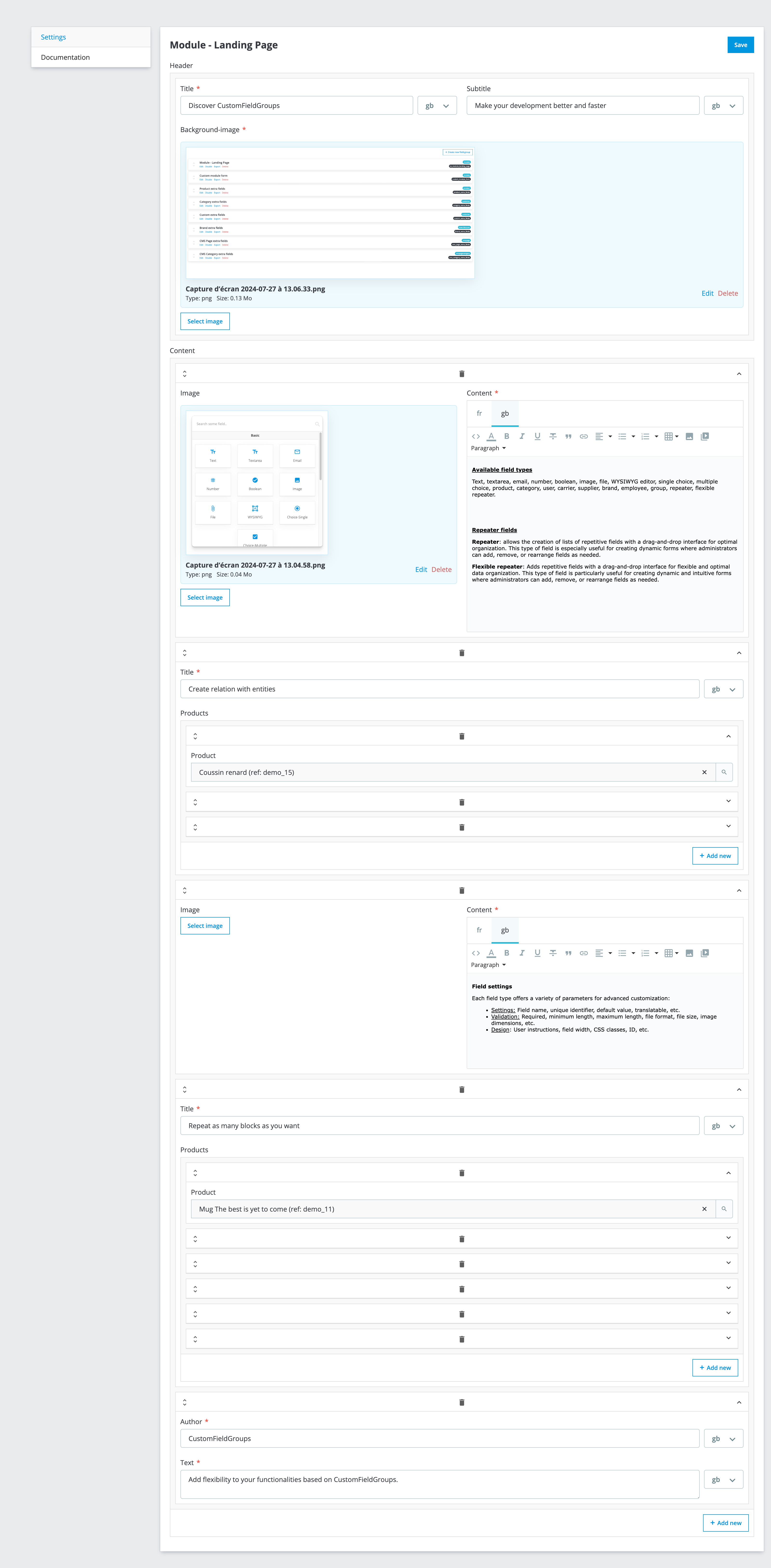
After installation, go to Modules > Module Manager and click on "Configure" for the Landing Page Module. You will see a form generated by the field groups, allowing you to manage the content of your landing page using repeaters and flexible repeaters.
-
Access the landing page
The landing page can be accessed via the front controller at the URL specified by the module (e.g.,
http://yourshop.com/module/landingpagemodule/page).
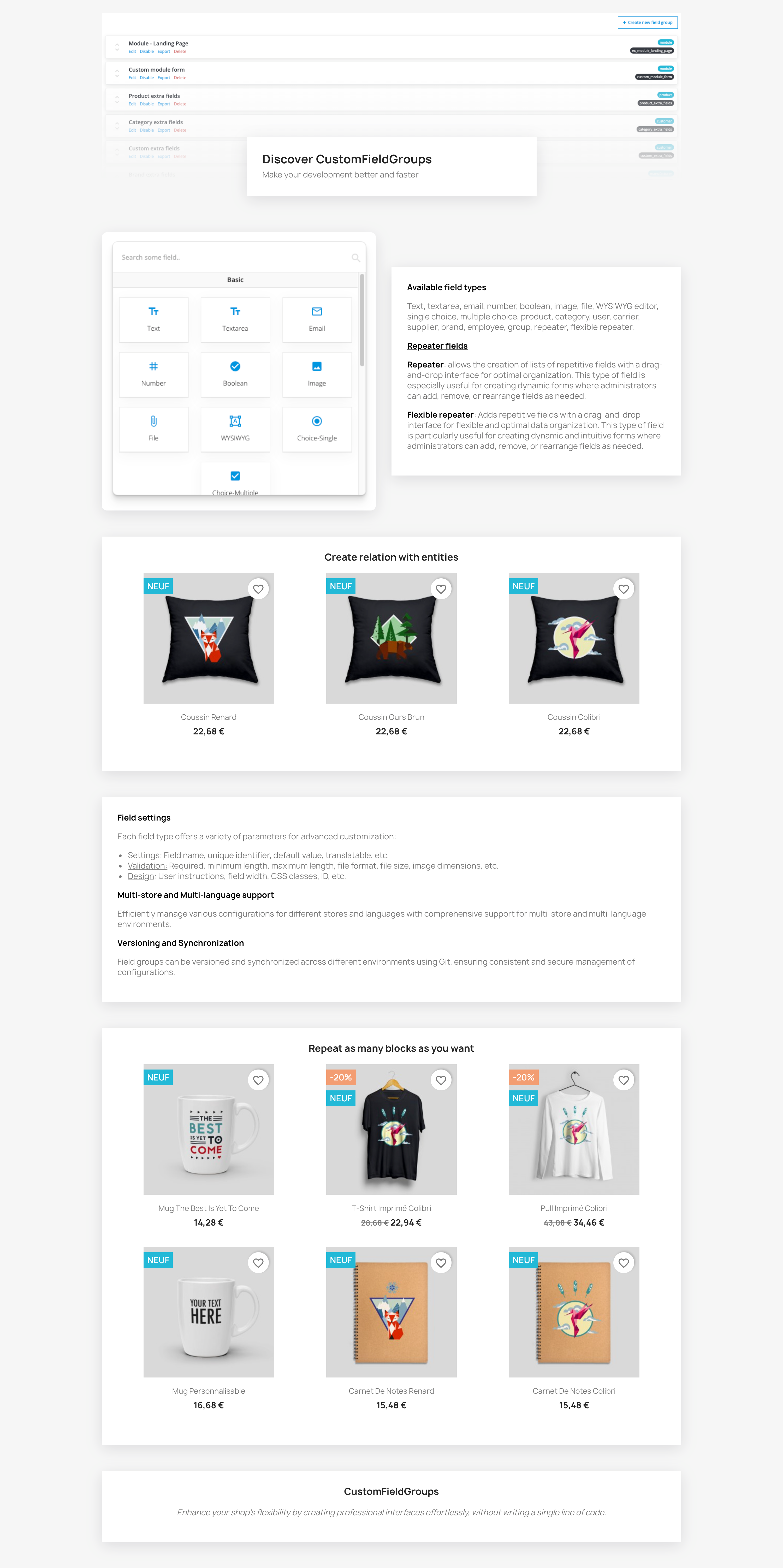
Front render (default Prestashop theme)
Form render